This article explains how to update the bank account information used by Bookit to pay commissions for bookings made through your Console.
Important: The Bookit Affiliate Console is separate from your Bookit Lite Console and requires its own login link, username and password. Your Bookit Lite login details cannot be used to access the Affiliate Console.
Logging into the Affiliate Console
1. Navigate to the Bookit Affiliate Console login page
Login Link: https://operators.bookit.co.nz/login.aspx
2. Enter your username and password.
3. Select Login.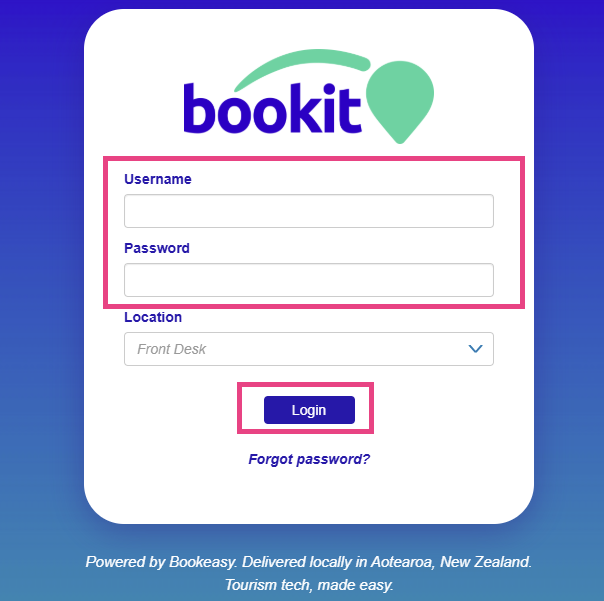
Updating Your Account Details
1. Select the three-line menu in the top left-hand corner.
2. Select My Account.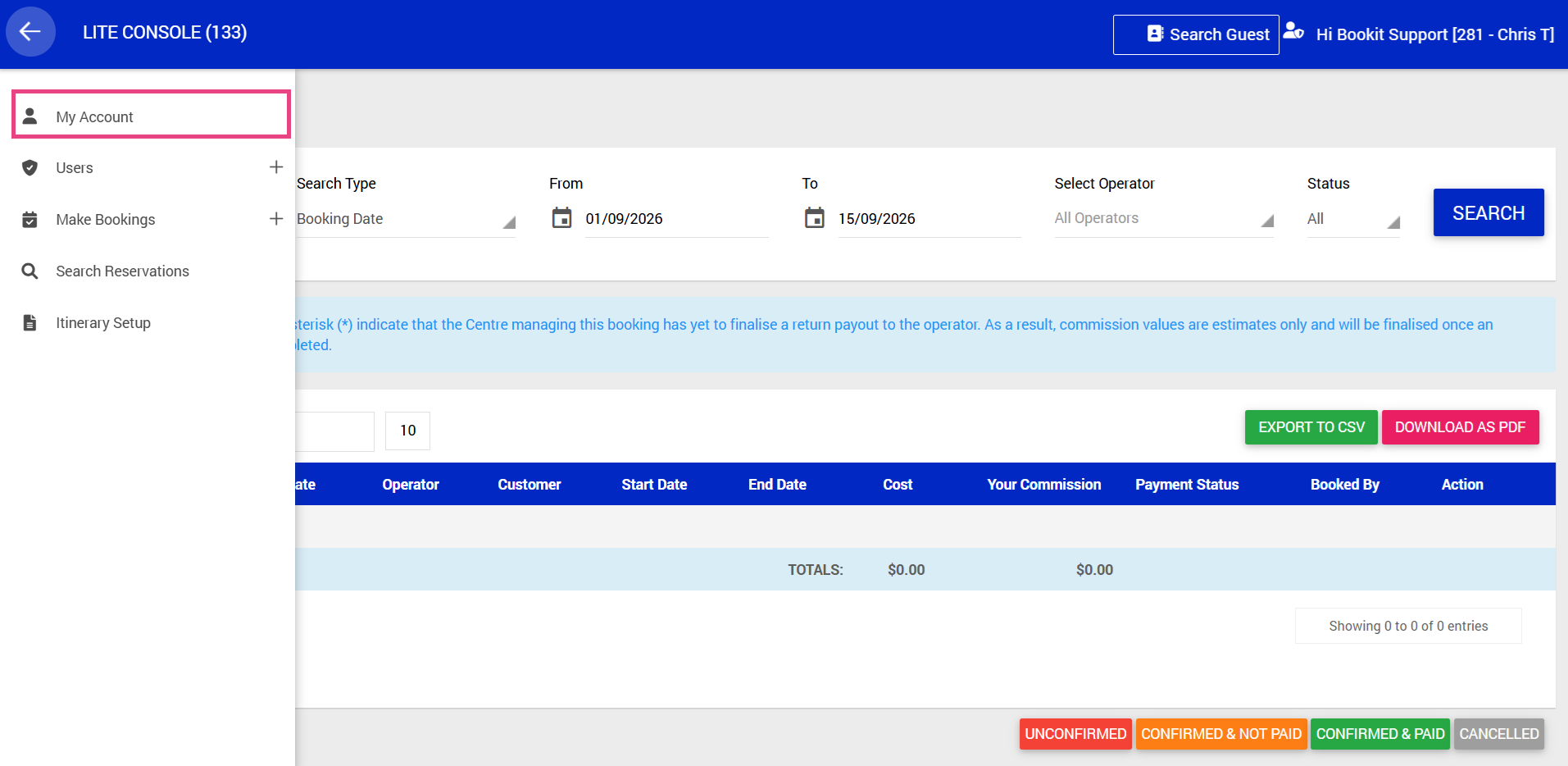
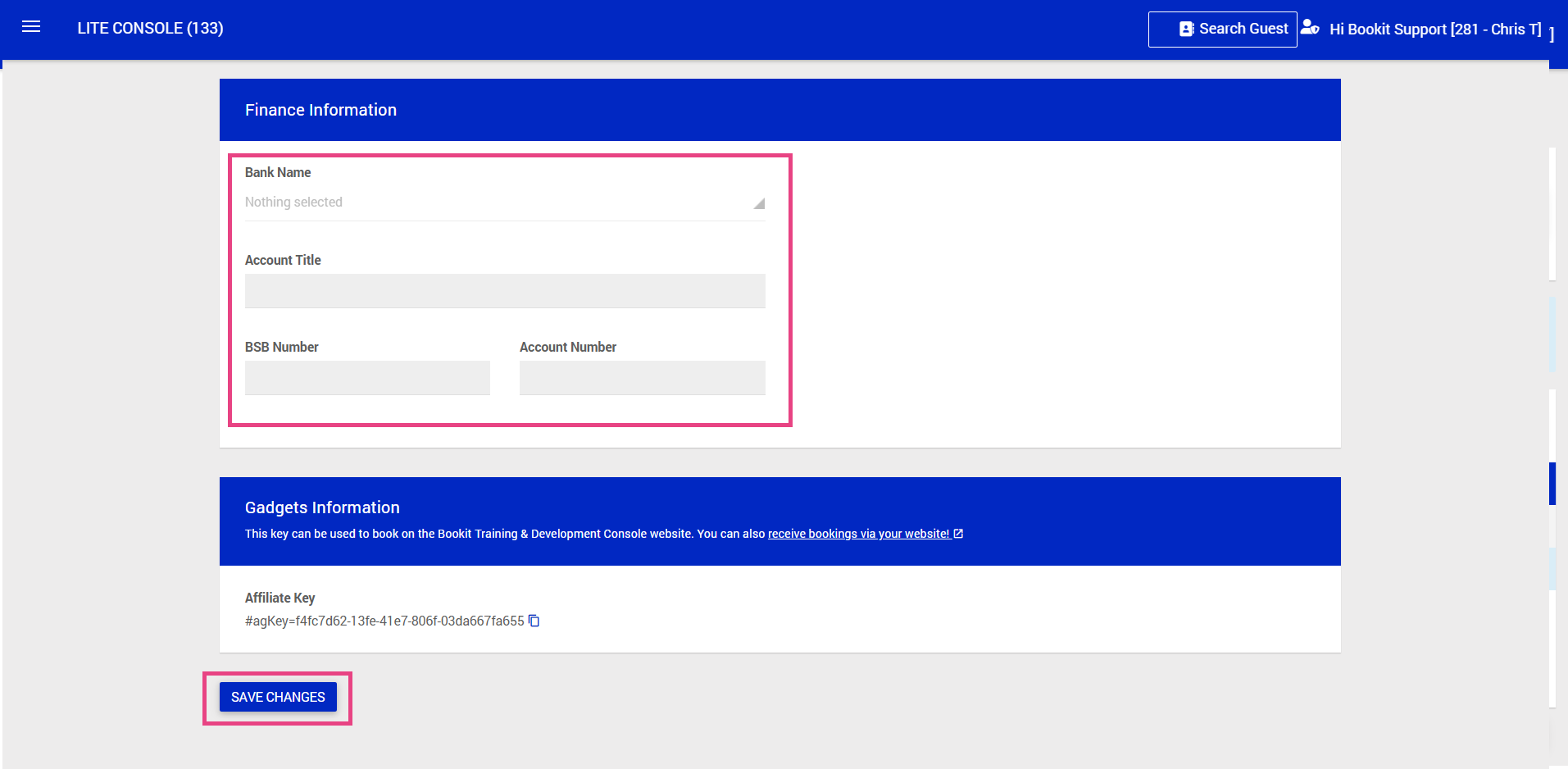
3. Scroll down to the Finance Information section.
4. Under Finance Information, enter or update the following details:
- Bank Name
- Account Title
- BSB Number
- Account Number
5. Click Save Changes