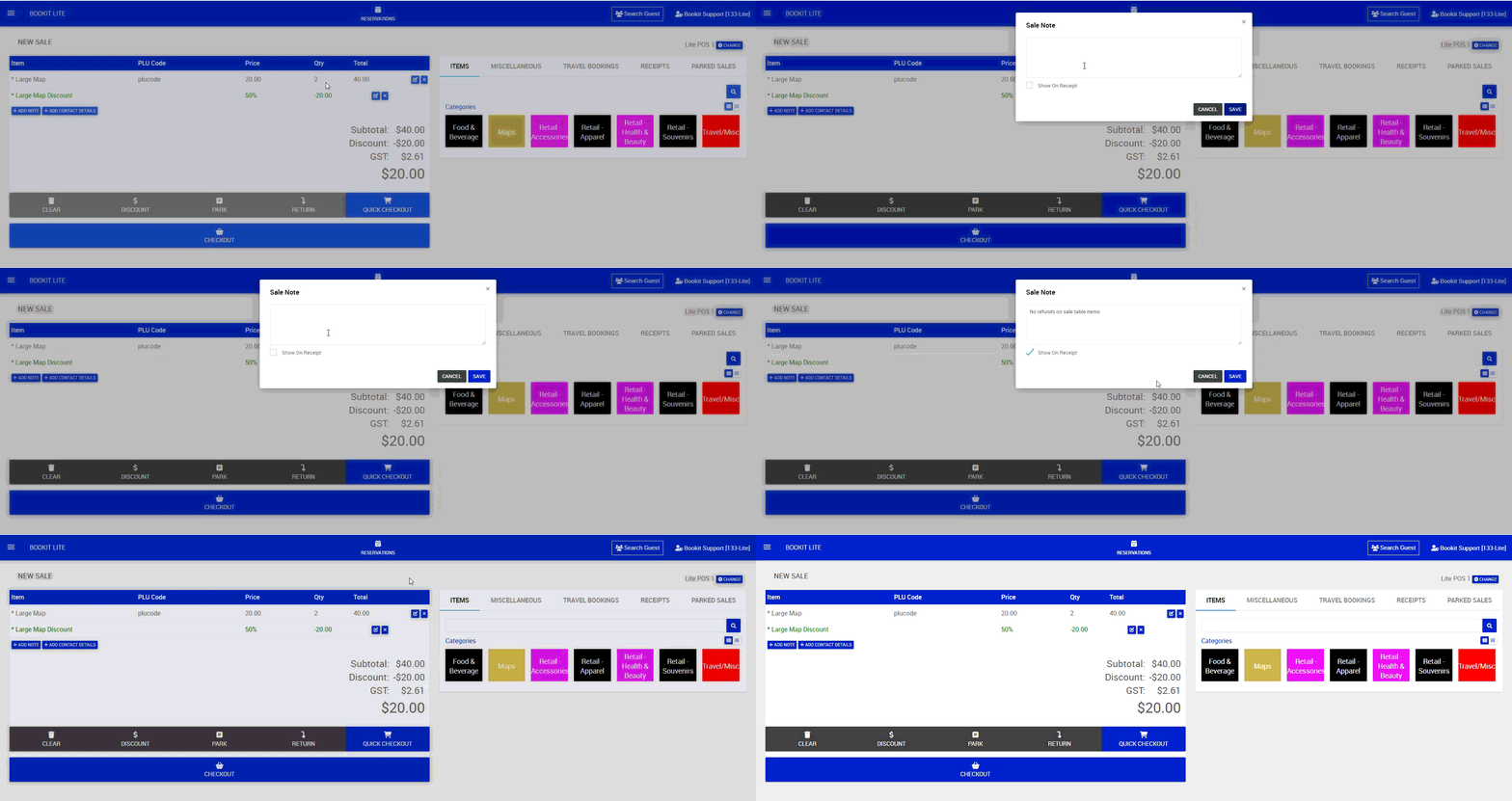
This article explains how to add notes to POS transactions within Bookit Lite. Notes can be displayed on customer receipts or kept hidden for internal staff reference only.
Adding a Note to a Transaction
Notes can be added to a sale at any time before checkout.
To add a note
1. Within the POS transaction, select the blue Add Note button.
2. Enter the required note.
3. To display the note on the receipt, tick Show on Receipt.
4. Leave Show on Receipt unticked if the note should remain internal only.
5. Select Save and complete the transaction as normal.
If enabled, the note will print or email with the receipt or tax invoice.